Screen stays readable
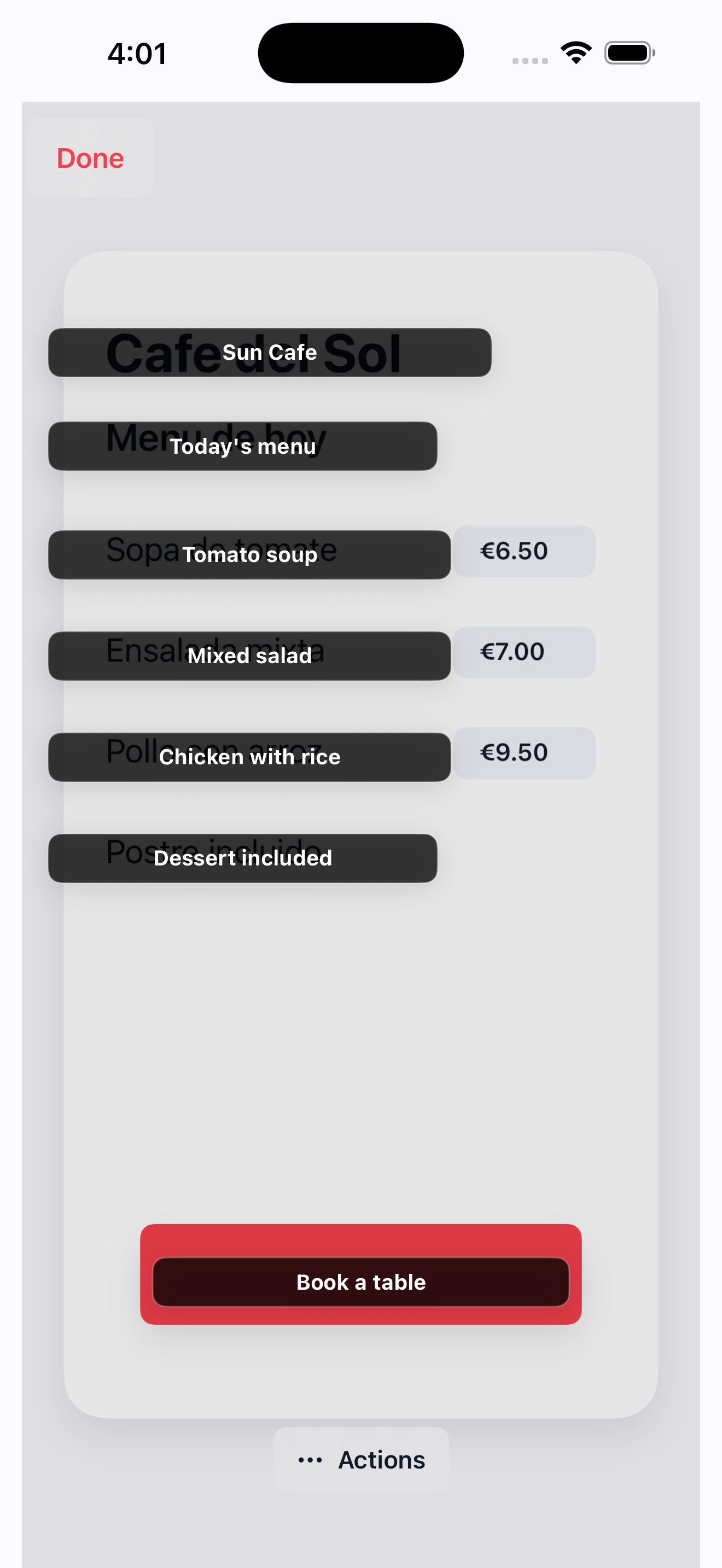
OneTap Translate keeps the original layout visible, then places the translated text where you actually need it.
iPhone screenshot translation
Translate any iPhone screen in place. Press the Action Button, run Tap to Translate, and get the same screenshot back with readable text over the original layout.
Action Button
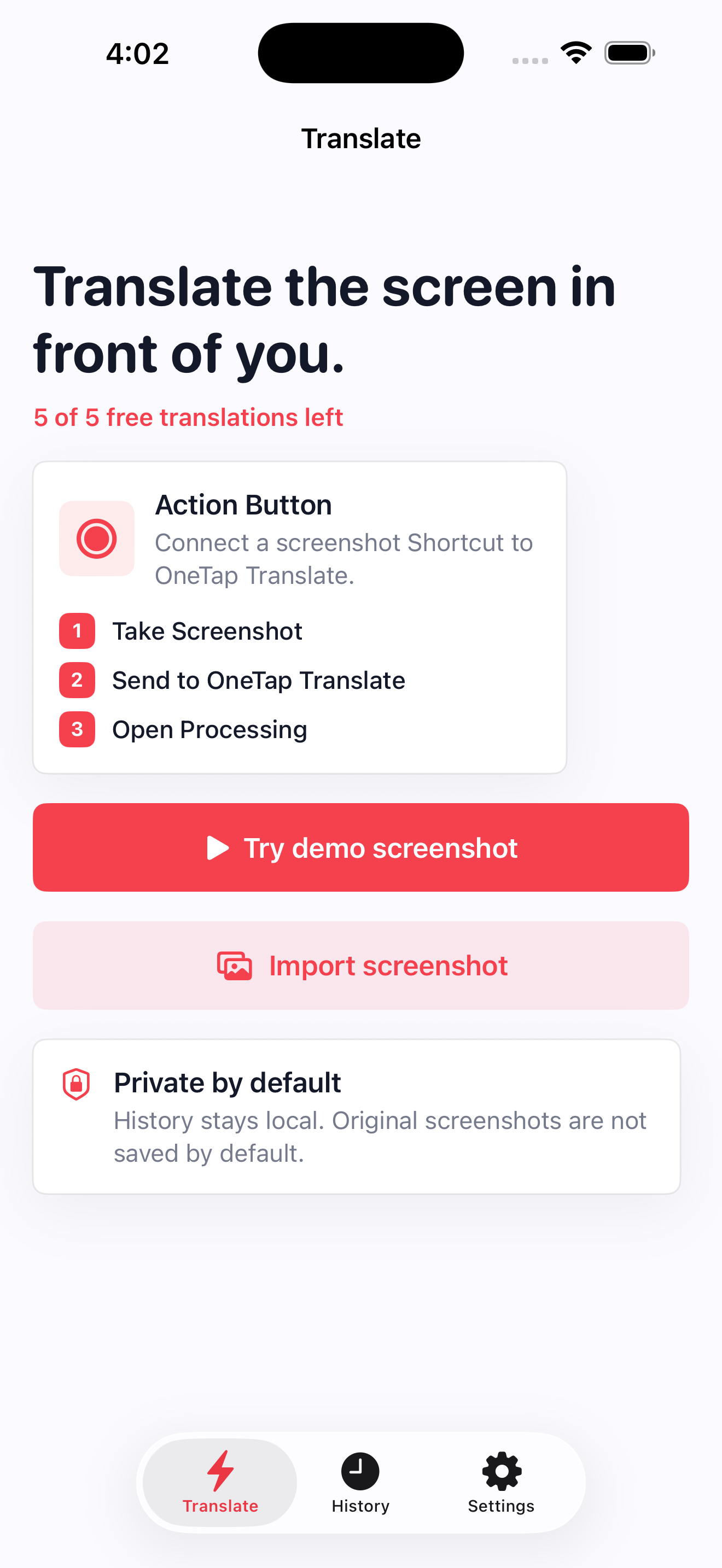
The app is built around a single Shortcut action: Tap to Translate. The setup page walks the user through the exact iPhone steps.
Why it works
OneTap Translate keeps the original layout visible, then places the translated text where you actually need it.
Create one Shortcut, assign it once, and use the hardware button whenever a foreign-language screen gets in the way.
Screenshots, OCR text, settings, and optional history are handled on the iPhone in version 1.0.
Privacy
Version 1.0 is intentionally simple: the translation workflow is triggered by the user, and the app keeps screenshot handling local to the device.
View privacy detailsSupport
The Shortcut must run Take Screenshot first, then pass that image to Tap to Translate from OneTap Translate.
No. iOS requires the user to trigger the Shortcut or choose a screenshot. The app cannot silently read another app's screen.
Version 1.0 uses Apple's on-device translation path where available. Some language pairs depend on Apple's local language support.